Ta treść nie jest jeszcze dostępna w Twoim języku.
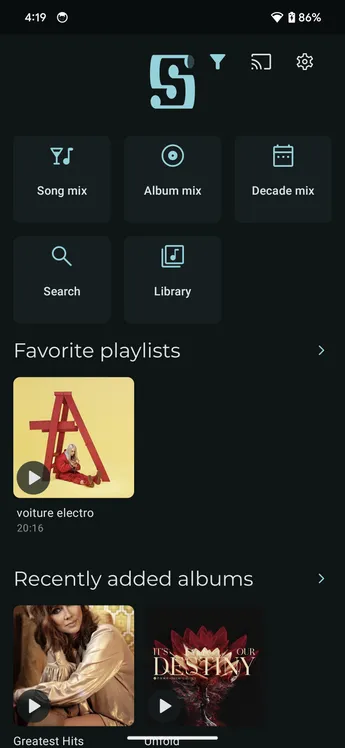
To hide the navigation bar, open Settings → Interface and edit Main screen tabs so it contains exactly one tab. That becomes the app’s single main-screen tab. If you remove every tab, the Home tab is shown instead.

You can then customize the active screen with shortcuts to the features you use, such as Home or library shortcuts.

The result is a single main screen without the navigation bar.