
Ta treść nie jest jeszcze dostępna w Twoim języku.
Use this part of the application to manage your providers.
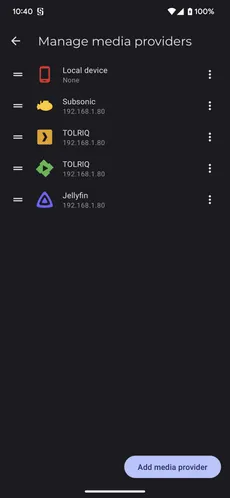
Click on any provider to edit their settings.
You can reorder the providers with the drag handle on the left. This only impact the global filter view if you want to control the order displayed. (Globally filter displayed data (Media providers, libraries, only offline media, …))
Press the 3 dots menu for more actions.
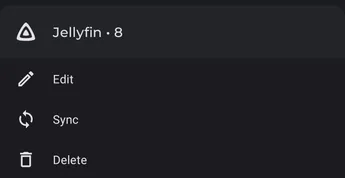
You can force a sync (But it’s faster to do it from the filter menu: Sync media provider data) and remove the host.
The number displayed after the name of the provider, is the provider ID when used with Symfonium API (Symfonium API (Allow control from other apps like tasker))
You can add new providers by clicking the Add media provider button.
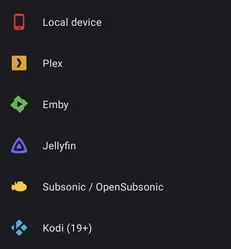
Just select the provider type you want to add and follow the wizard.
Note:
- Not all providers offer the same functions through their API. See Supported features by media providers for details about supported features per provider.
- You can filter providers and libraries easily via the global filters: Globally filter displayed data (Media providers, libraries, only offline media, …)