
Это содержимое пока не доступно на вашем языке.
Symfonium provides a Wear OS companion app.
Main features
Section titled “Main features”- Stream media from any of the supported providers by proxying via the phone application.
- Download and cache media from any of the supported providers via the phone app to play without the phone when running for example.
- Special secret mode to allow playback on the watch speaker.

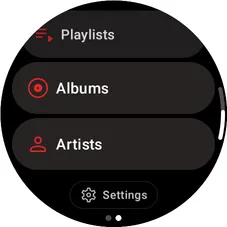
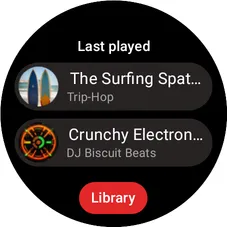
Symfonium offers a Wear tile that shows the most recent media and a direct button to access the library.
Playback
Section titled “Playback”When in the main playback screen, you can use the rotary control to control the volume.
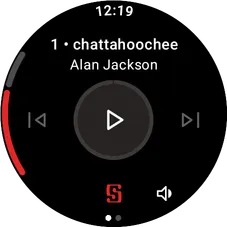
You can also press the volume button to control the volume and to connect directly to your headphones.
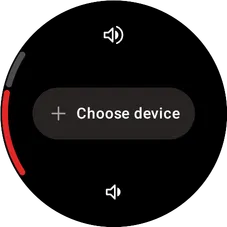
Streaming
Section titled “Streaming”You can stream media from all your providers by proxying through the phone.
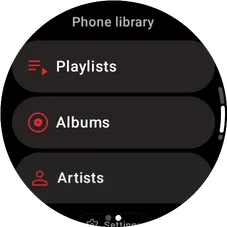
The media can be transcoded by the phone to reduce battery usage. (See Streaming settings below).
Downloads
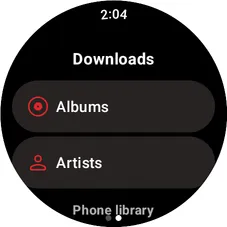
Section titled “Downloads”You can download media to your watch to play without your phone.
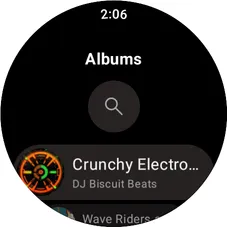
The media will then be available via the downloads section of the library tab.
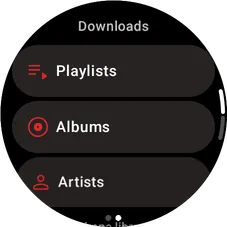
To download media, browse to it from the phone library, then:
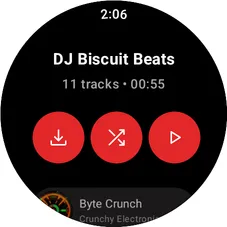
- Press the download button at the top to download everything (Playlist / Album / Artist)
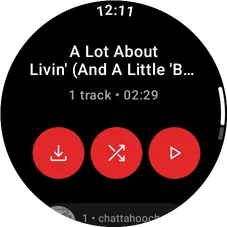
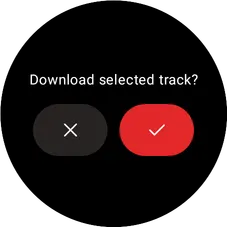
- Long press any media and press the OK button.
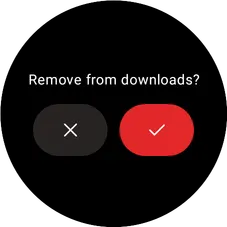
Similarly, you can remove downloaded media by long pressing it from the download section and pressing the OK button.
Settings
Section titled “Settings”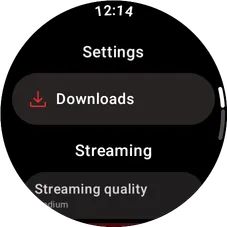
Downloads
Section titled “Downloads”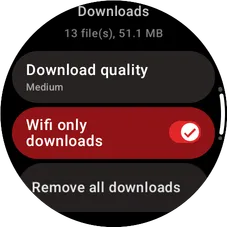
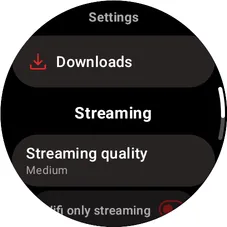
From here, you can configure media download quality, limit downloads to Wi-Fi only, manage the download queue, and quickly remove all downloads.
Streaming
Section titled “Streaming”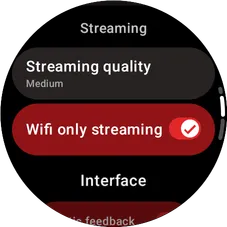
You can configure media quality when streaming and only allow streaming on Wi-Fi.
Interface
Section titled “Interface”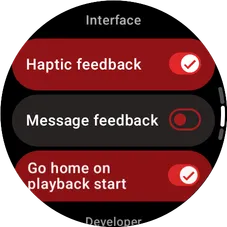
You can configure interface settings, such as feedback or automatically returning home after playback starts.
Developer
Section titled “Developer”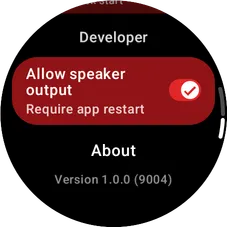
Once developer mode is enabled, you can enable playback on the watch speaker (if your watch has one).
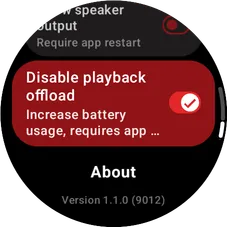
Enable Disable playback offload Requires Wear OS app v1.1+ if playback stops randomly and only resumes when skipping next or previous.
Screenshots
Section titled “Screenshots”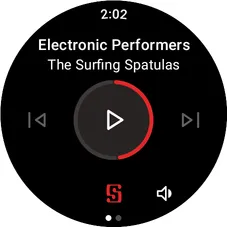
Secret mode
Section titled “Secret mode”Press 6 times the version number in the settings to enable developer mode and enable new hidden settings.
Once in dev mode, you can enable playback on the watch speaker. After enabling the option, force stop the app and start it again.