Nội dung này hiện chưa có sẵn bằng ngôn ngữ của bạn.
Because Symfonium supports many providers and renderers, it sometimes needs to start a background service to manage them. Android requires these services to display a notification, but you can hide the notification channels you do not want to see.
Change the notification settings
Section titled “Change the notification settings”Open the notification shade.
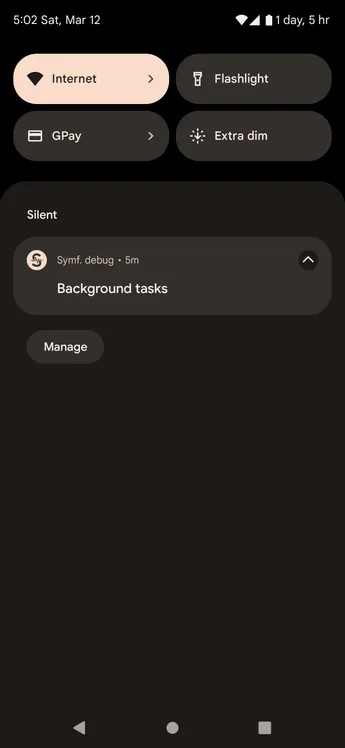
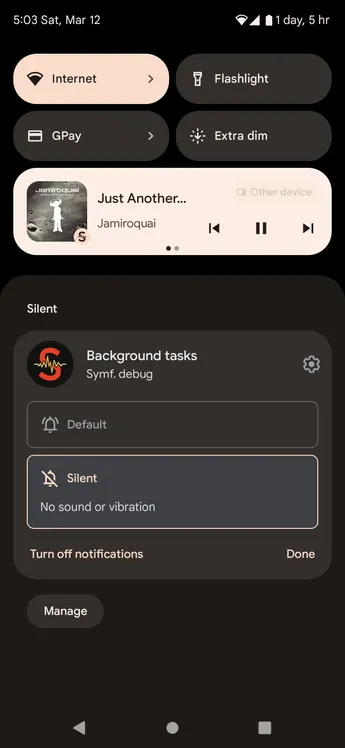
Long-press the notification, or swipe it to the right depending on your Android version. Select the option to turn off notifications or press the settings button.
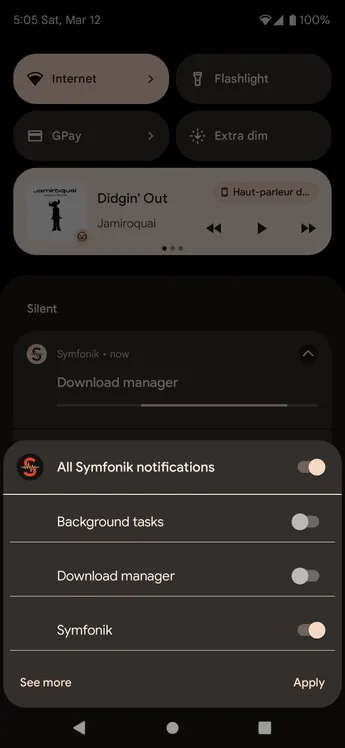
Turn off the Background tasks and Download manager notification channels if desired.