
Nội dung này hiện chưa có sẵn bằng ngôn ngữ của bạn.
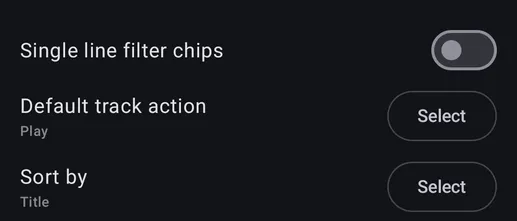
Single line filter chips
Section titled “Single line filter chips”When enabled the filters chips on the search page are condensed to a single line.
Default track action
Section titled “Default track action”Choose the default action when clicking a song in the search results. This precedes the global application settings for songs in other pages.
Sort by
Section titled “Sort by”Change how the results are sorted.
The default value, will use the sort that you use in the corresponding pages outside of search.