Nội dung này hiện chưa có sẵn bằng ngôn ngữ của bạn.
Symfonium supports multiple media queues. This means that you can switch between queues, each containing a list of media and current position, as well as configurations like repeat mode, shuffle status, playback speed, and more.
This feature makes it easy to switch between a long music playlist and an audiobook without losing your current position or requiring you to change any settings. Simply switch between the queues and resume playback where you left off.
Each time you start a new playback, a new media queue is automatically created and the last 15 used queues are retained for quick access.
To simplify the process of switching between queues, you can add a home shortcut button.
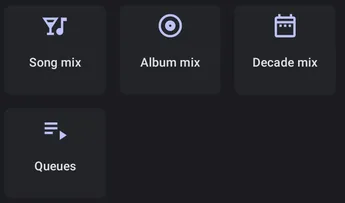
or use the button in the now playing playlist

or use a shortcut widget configured for Select media queues.
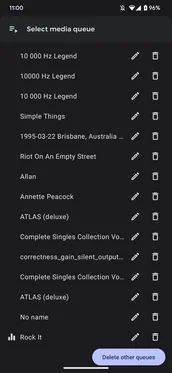
You can view the active media queue, select the desired queue, rename queues, or delete queues.