
此内容尚不支持你的语言。
If you see this page after trying to sign in to a cloud provider, read the rest of the page to fix your browser or OS configuration. The issue happens outside Symfonium, and Symfonium cannot work around it.
OS settings
Section titled “OS settings”Verify that Android has registered the callback URL for Symfonium.
Open Android settings, then Symfonium’s app settings.
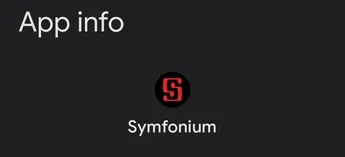
Then tap Open by default.

Verify that everything is as shown below:
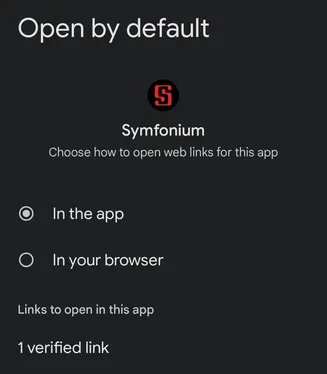
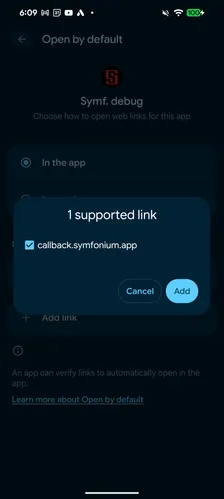
On some devices, you may need to tap Add link and ensure that callback.symfonium.app is checked.
Browser settings
Section titled “Browser settings”Some browsers do not follow Android defaults and do not open registered links in apps.
Change your browser configuration so authentication is correctly sent back to Symfonium.
Firefox: Set Firefox for Android to open links in native apps | Firefox for Android Help
Note: If you encounter this issue with other browsers, contact me with a link to the corresponding browser documentation so I can add it here.