
此内容尚不支持你的语言。
Nearly everything in Symfonium is configurable from the settings. (The options are spread in the Interface, Library and Playback part of the settings).
See below for a small extract of the possibilities.
If you need more options, styles or anything just head to the feature request part of the forum and express it. (Feature requests - Symfonium support)
Themes
Section titled “Themes”All colors are part of the themes, Symfonium provides a few default one, including Material You (adapt to your phone wallpaper on Android 12+) and custom ones that you can build and share with others.
See Symfonium - custom themes for details on custom themes
Home tab
Section titled “Home tab”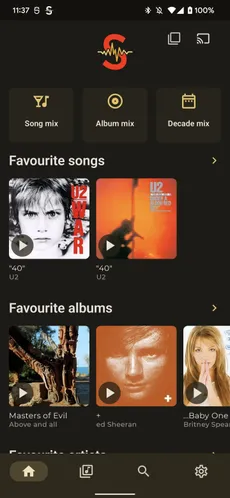
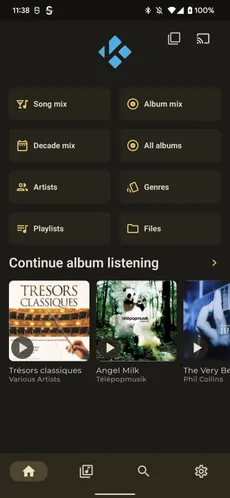
- You can change the top icon. (Or remove it)
- You can select the top shortcuts, their style and column count. (Or remove them)
- You can select the overview rows and their order. (Or remove them)
Library tab
Section titled “Library tab”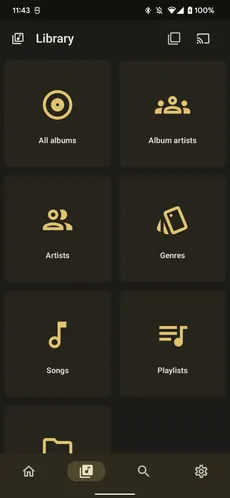
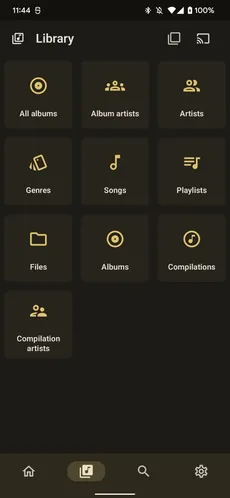
- You can configure the library shortcuts, their order and the number of columns
Bottom tabs
Section titled “Bottom tabs”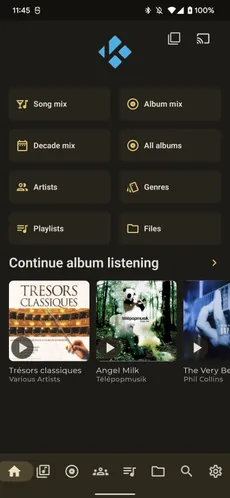
- You can select and order the bottom tab shortcuts
Now playing
Section titled “Now playing”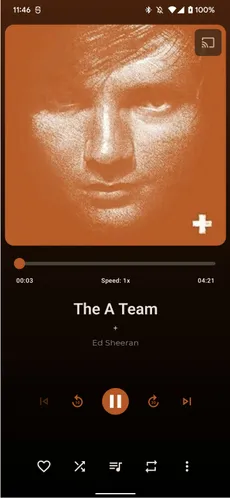
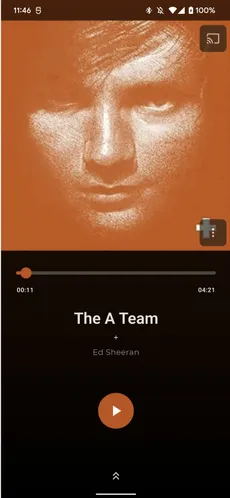
- You can configure different now playing style. (More to come make your requests on the forum)
- You can enable or not dynamic colors from the artwork in now playing.
Media lists
Section titled “Media lists”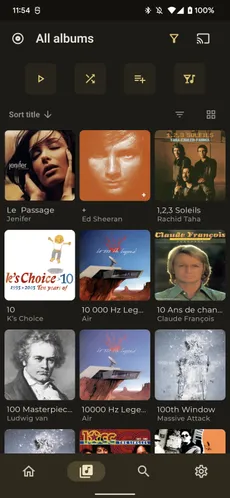
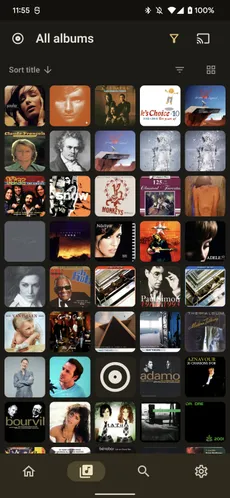
- You can select different styles for all the lists and select the number of columns.
- You can show or hide the top button row.
Related pages
Section titled “Related pages”Symfonium custom themesCreate, import, edit, export, and share custom color themes for Symfonium.