
On phones and tablets, you can hide Symfonium’s navigation bar by using Home as the only main navigation entry.
Open Settings → Interface → Navigation and media start, then edit Main navigation entries. Keep only Home.
The screenshots below show an older layout. Use the setting names above in current versions.

You can customize Home with shortcuts to the library views and features you use frequently.

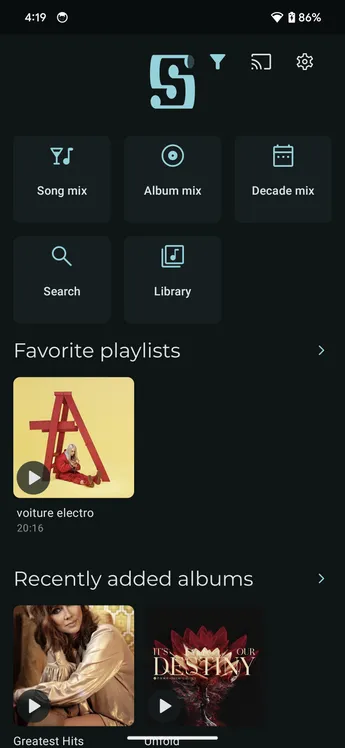
To restore the navigation bar, return to Main navigation entries and add another entry.
If you remove every entry, Symfonium falls back to Home. If you keep only Now playing, Symfonium adds a Settings entry so you can still reach configuration, and navigation remains visible.