Use this section of the application to manage offline files.

Press the desired section to navigate between them.
Available settings
Section titled “Available settings”Offline files
Section titled “Offline files”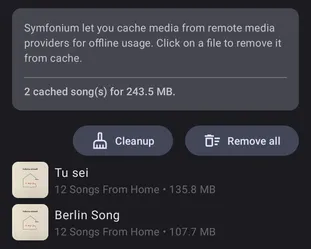
This section lists all cached files and their size. While you can click individual media to remove them, it is usually easier to manage them from the normal library view with the available offline cache filter enabled.
The Cleanup button can be used to remove offline cached files that are no longer present on the server.
The Remove all button removes all offline cached files.
Download queue
Section titled “Download queue”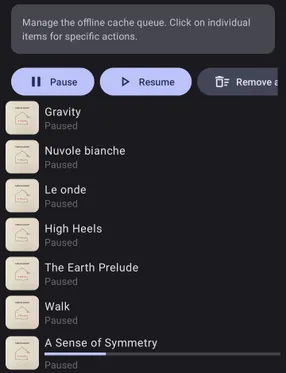
List all files that will be downloaded. You can pause all media, resume downloads, or clear the queue. Any automatic download rule will restart downloads after the next sync.
Auto offline rules
Section titled “Auto offline rules”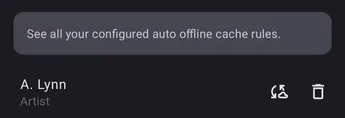
Symfonium supports many different automatic download rules. (Artist, genre, library, …)
This screen lets you see and remove them.