This gallery collects Symfonium promotional artwork showing its interface, music sources, and playback features. The captions and guide links explain what each group of images illustrates.
These images were made for earlier versions of Symfonium. Labels, layouts, and available options may differ from the current app.
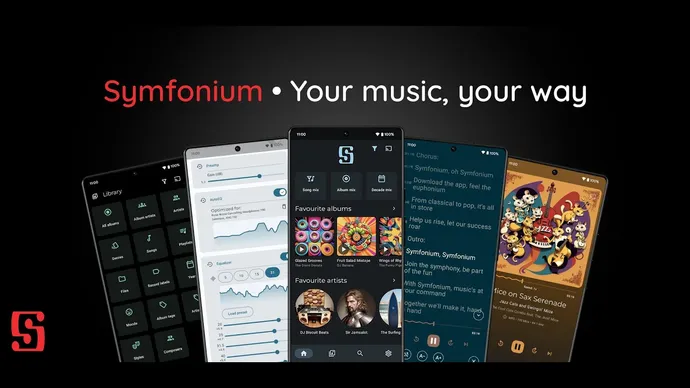
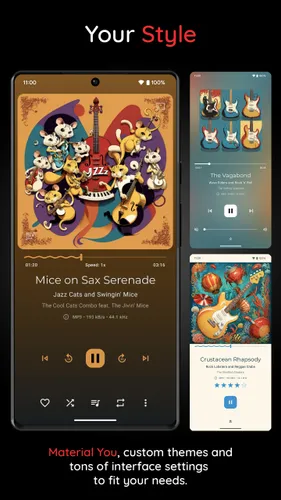
Appearance and audio
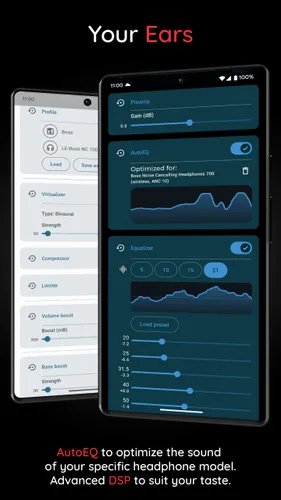
Section titled “Appearance and audio”Examples of now-playing themes, audio effects, and AutoEQ profiles. See Advanced Equalizer / AutoEQ for setup instructions.
Music sources and library
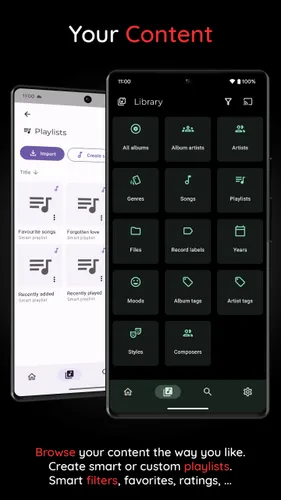
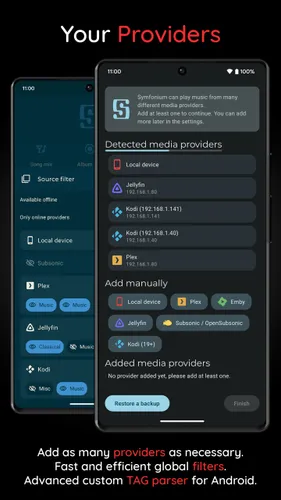
Section titled “Music sources and library”Library and playlist views, followed by the media provider chooser. The media provider comparison lists the features supported by each source.
Casting and offline playback
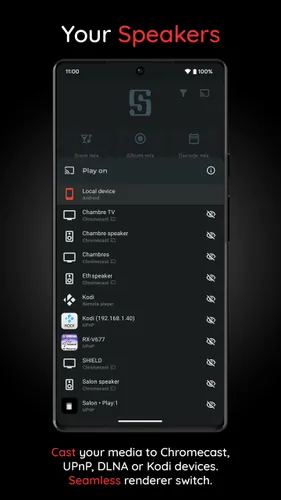
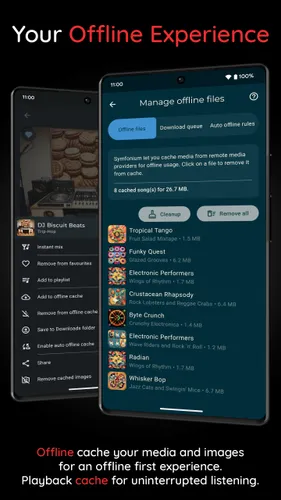
Section titled “Casting and offline playback”The casting chooser and offline file manager illustrate listening on another device or keeping music on your phone. See offline media cache and downloads for the caching workflow.
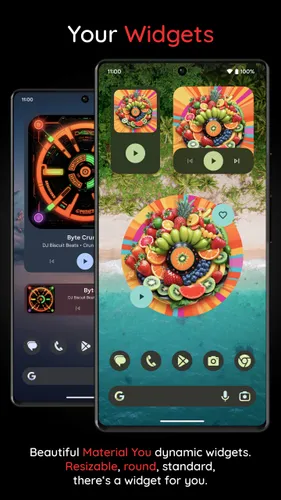
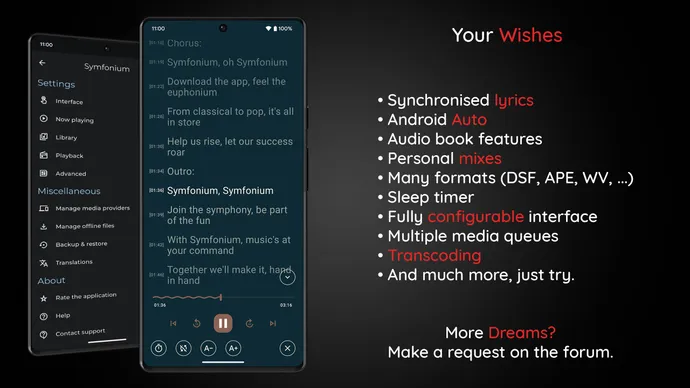
Widgets and other features
Section titled “Widgets and other features”Android playback widgets and a feature overview with lyrics and customization options.