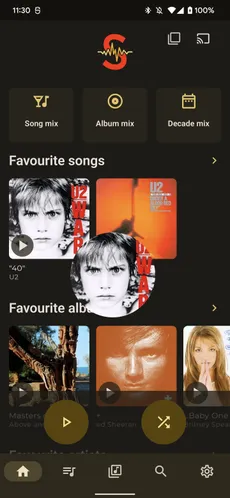
Most media entries in the application support long press drag and drop operations for fast actions.
Long press any media entry and a bottom bar will be present with drop targets to play / shuffle or queue the media. Just drop the item on the wanted action or anywhere else to cancel.
Additional Play next and Add to playlist drop targets can be enabled in Settings > Interface > Navigation and media start.