
Connect Symfonium to your Box account to play, cast, and download music for offline listening.
Add provider
Section titled “Add provider”Open Settings → Manage media providers → Add media provider and choose Box.
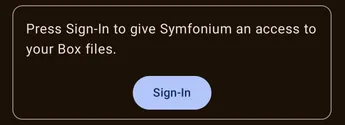
Press Sign-In to open your browser, sign in to your account, and authorize access to your media files.
Symfonium does not receive your Box login or password. You can revoke its access from your account settings at any time.
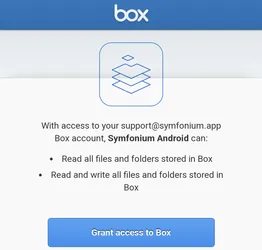
Press Grant access to Box to continue.
Add folders
Section titled “Add folders”After signing in, press Add folder and select a folder containing your music or audiobooks. Repeat to add more source folders.
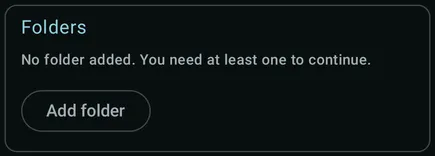
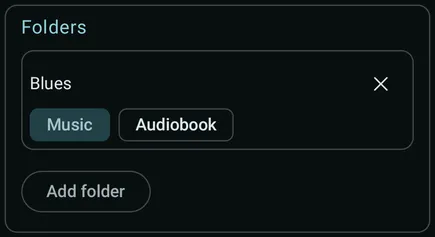
Choose Music or Audiobook for each folder. Press the × beside a folder to remove it from the selection. Keep at least one folder.
Review the artwork options, then press Add to scan the selected folders and add their media to your Symfonium library. You can change the folders later by editing the provider.
Support
Section titled “Support”If setup fails repeatedly, use the support card to collect logs. Press Enable, then try adding the provider again to reproduce the error.

After the error appears, press Send and follow the prompts to upload the logs with a description of the problem.

All settings
Section titled “All settings”After adding the provider, open Settings → Manage media providers, select it, and choose Edit. Change its Display name and folders, or review its connection and authentication details. Press Update to save. The provider must be online so Symfonium can test the changes.
Clear tag cache
Section titled “Clear tag cache”
Clear the cached tags if you have changed metadata in your files and a normal sync does not detect the changes. All files will need to be scanned again during the next sync, which takes time and uses network data.
Wi-Fi only
Section titled “Wi-Fi only”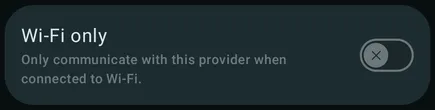
Only communicate with this provider when the device is connected to Wi-Fi.
Scrape additional artist metadata
Section titled “Scrape additional artist metadata”
Retrieve supplementary artist images and biographies from online sources. When enabled, Clear scraped data lets you remove previously scraped artist data.
Prefer track thumbnail
Section titled “Prefer track thumbnail”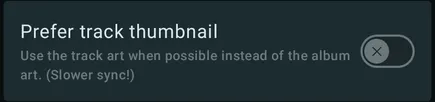
Use each track’s artwork when available instead of the album artwork. This is useful for compilations with different track images, but makes synchronization slower.
Generate missing thumbnails from songs
Section titled “Generate missing thumbnails from songs”
Generate artist and genre images from track artwork when no image is available.
Automatic image cache
Section titled “Automatic image cache”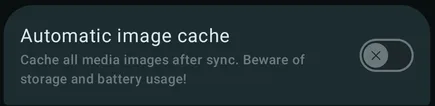
Cache all media images on your device after each sync. This uses additional storage and battery, especially with large libraries.
Automatic media offline cache
Section titled “Automatic media offline cache”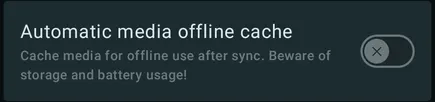
Cache media for offline playback after each sync. This can use substantial storage, network data, and battery. See Offline media cache and downloads for the available caching options.
Automatic playlist import
Section titled “Automatic playlist import”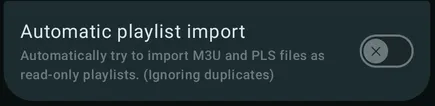
Automatically import M3U and PLS files found during synchronization as read-only playlists, ignoring duplicates. See Import and sync media provider playlists for playlist paths and update behavior.
Tag ratings as user ratings
Section titled “Tag ratings as user ratings”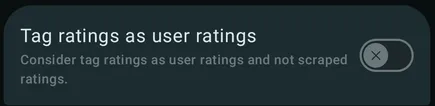
Treat ratings imported from file tags as user ratings instead of scraped ratings.
Artist tag as display artist
Section titled “Artist tag as display artist”
Use the raw Artist tag as the display artist when present instead of building it from the parsed list of artists.
Ignore explicit tags
Section titled “Ignore explicit tags”
Do not import explicit-content markers from file tags.
Ignore MusicBrainz IDs
Section titled “Ignore MusicBrainz IDs”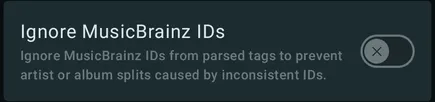
Ignore MusicBrainz IDs from parsed tags. This can prevent artist or album splits caused by inconsistent IDs.
Prefer Year tag
Section titled “Prefer Year tag”
Use the raw Year tag when present instead of extracting the year from full date tags.
Encoding time as date added
Section titled “Encoding time as date added”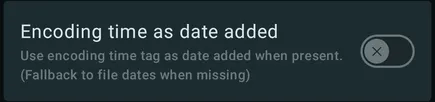
Use the encoding-time tag as the date added when present, falling back to file dates when it is missing.
Artist/album artist tag separators
Section titled “Artist/album artist tag separators”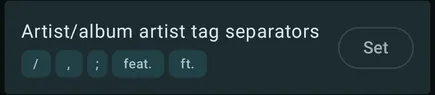
Press Set to configure the separators used to split artist and album artist values.
Genre tag separators
Section titled “Genre tag separators”
Press Set to configure the separators used to split genre values.
MBID tag separators
Section titled “MBID tag separators”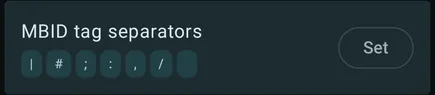
Press Set to configure the separators used to split MusicBrainz ID values. See Symfonium custom tag parser for supported tags and separator behavior.
Split albums by
Section titled “Split albums by”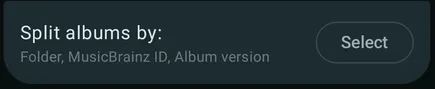
Choose which fields must match for tracks to belong to the same album, such as Folder, MusicBrainz ID, and Album version.
Scrobble as advertisement
Section titled “Scrobble as advertisement”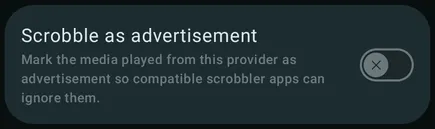
Mark media played from this provider as advertisements so compatible scrobbler apps can ignore them.
Exclude tracks shorter than
Section titled “Exclude tracks shorter than”
Set a minimum track duration to filter out unwanted short media.
Exclude folders
Section titled “Exclude folders”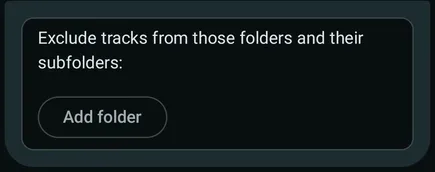
Under Exclude tracks from those folders and their subfolders, press Add folder to exclude paths from synchronization. This removes those folders from the library without deleting files from the provider. When available, you can also restore files previously hidden from Symfonium here.
Clear playback history
Section titled “Clear playback history”
Clear the playback history associated with this provider.
Custom parser details
Section titled “Custom parser details”See Symfonium custom tag parser for supported tags, file formats, separators, and metadata behavior.